Build better projects with ttsmaker examples ai voice
These ttsmaker examples ai voice show how a written script can become a useful spoken asset for videos, explainers, learning materials, and accessible content. Use the workflow as a starting point, then review every result before publishing.
AI voice projects often fail before production begins: the script is too dense, the tone is unclear, or the final audio does not match the audience. A useful workflow reduces those avoidable problems without pretending that automation replaces editorial judgment.
A draft is not a finished performance
Generated speech can sound technically clear while still missing the intended emphasis, warmth, pacing, or emotional context.
WorkaroundListen from the audience's perspective, mark awkward lines, and revise the script before making the final version.
Pronunciation may need human checking
Names, acronyms, technical terms, abbreviations, and borrowed words can be spoken differently from how a reader expects.
WorkaroundWrite difficult terms phonetically where appropriate and test a short passage before processing the full script.
One voice does not fit every channel
A calm instructional read may work for an explainer but feel flat in a short social clip or too informal for a formal training module.
WorkaroundDefine the audience, channel, and desired tone first, then create separate script versions instead of forcing one take everywhere.
Voice generation does not clear third-party rights
A generated track can still contain copyrighted script material, private information, or an imitation request that creates legal or ethical concerns.
WorkaroundUse material you are authorized to use, remove sensitive information, and avoid presenting a generated voice as a real person's statement.
3 concrete workflows
The strongest ttsmaker examples ai voice follow a short production loop: prepare the words, create a focused draft, then review the result against the original purpose.
1
Shape the script
Turn long paragraphs into spoken sentences. Put the main point first, use familiar words, and add punctuation where a listener should pause or reset.
2
Create a focused draft
Start with one use case and one intended listener. Generate a short section first so you can assess clarity, pronunciation, pacing, and whether the tone suits the project.
3
Review and prepare
Compare the audio with the script, correct terms that sound wrong, remove unnecessary claims, and label the draft clearly before it moves into editing or publication.
Example output
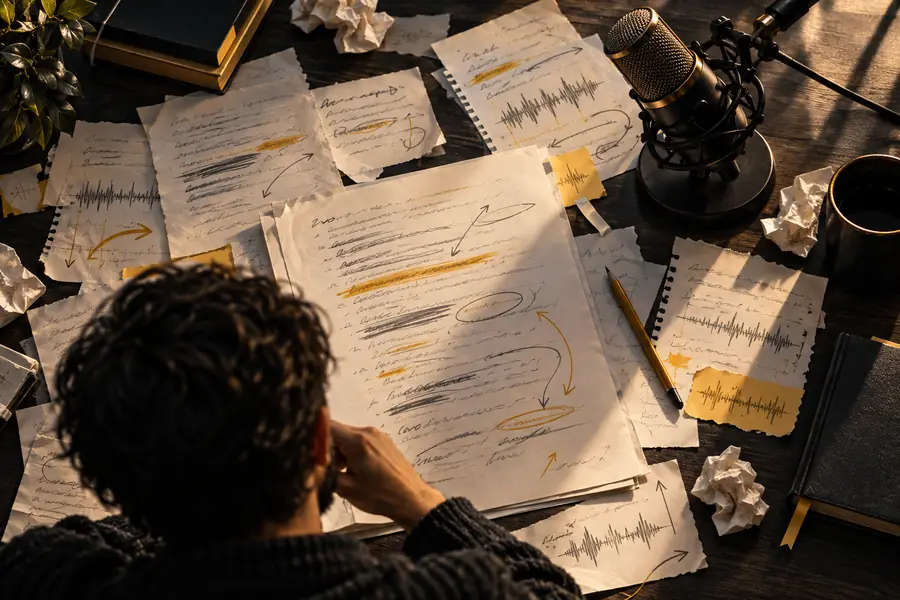
A before-and-after view makes the value of preparation visible: the revised version is not simply longer or more polished; it is easier to follow when heard once.
Unedited script
Listener-ready draft
The strongest improvement usually comes from editing the words before generating the voice.
Compliance notes
Use these checkpoints to keep an AI voice project understandable, honest, and appropriate for its audience. The numbers describe the review structure on this page, not guaranteed product limits.
1Script, pronunciation, and audience review before release
3checks
2A working draft and a reviewed version kept distinct
2versions
3A responsible person approving the final spoken content
1owner
Video creator
You have a finished outline but need a clear narration draft for an explainer, tutorial, or short educational video.
A structured spoken track gives the edit a timing reference and exposes weak wording before visuals are locked.
Bring a focused scenario, a clean script, and a clear audience to the next step. Use the resulting draft as production material to assess, edit, and approve rather than as a substitute for responsible review.
Answers to common questions about using AI voice examples for practical content projects.
Useful projects include video narration, course segments, accessibility companions, product explainers, and short internal presentations. The best starting point is a defined audience and a script that has already been edited for listening.
They can help with drafts, prototypes, routine narration, and early editing decisions, but they do not automatically replace human performance or direction. For emotionally sensitive, highly branded, or legally important work, keep a qualified reviewer involved.
Use shorter sentences, clear punctuation, familiar wording, and explicit handling for names or technical terms. Test a small passage first, then revise anything that sounds confusing when heard rather than read.
Safety depends on the script, permissions, claims, and how the voice is presented. Check copyright and privacy issues, avoid misleading impersonation, disclose synthetic narration when appropriate, and have a responsible person approve the final asset.
Listen for pronunciation, pacing, emphasis, omissions, and tone. Also compare the spoken track with on-screen text, confirm that claims are current, and make sure the result matches the intended audience and channel.